business resources
6 Video Editing Hacks for Professional-Looking Content
19 Mar 2025

Creating high-quality video content requires more than just a great camera and engaging storytelling. Effective video editing plays a crucial role in capturing attention and delivering a polished final product. Whether you're a content creator, marketer, or filmmaker, understanding key editing techniques can take your videos to the next level.
Professional-looking content isn't just about adding flashy effects—it's about smooth transitions, well-balanced color grading, and clear audio. With the right hacks, even beginners can make their videos stand out and keep viewers engaged.
If you're looking to improve your editing skills, here are six essential video editing hacks that will elevate your content and give it a professional touch.
Using the Right Software for Efficiency and Precision
One of the first steps in achieving high-quality video content is selecting the right editing software. The best programs provide intuitive interfaces, a variety of editing tools, and fast processing speeds to ensure a smooth workflow. Beginners may start with simpler platforms like iMovie or DaVinci Resolve, while professionals often use Adobe Premiere Pro or Final Cut Pro.
However, cloud-based solutions are also revolutionizing video editing by offering real-time collaboration and AI-powered enhancements. For those who want to speed up the editing process without sacrificing quality, an AI video editor by Flixier provides smart automation features, cloud rendering, and user-friendly drag-and-drop tools. All of these features make video editing more efficient.
Mastering the Art of Seamless Transitions
A common mistake among novice editors is overusing flashy transitions. While effects like spins, wipes, and zooms can be eye-catching, excessive use can make a video look amateurish. Instead, professional editors rely on clean and subtle transitions that maintain a natural flow between scenes.
Cutting on motion is a highly effective technique that creates fluid transitions. By aligning the movement of two clips, the viewer’s eyes naturally follow the action, making the transition nearly unnoticeable. Crossfades and jump cuts are also great for maintaining continuity and keeping the audience engaged.
If you need to blend two shots smoothly, using a simple dissolve or fade-in can help create a professional aesthetic while avoiding unnecessary distractions.
Enhancing Visuals with Proper Color Grading
Color grading is one of the most impactful aspects of video editing. It sets the mood, enhances storytelling, and ensures consistency across different shots.
Most video editing software provides built-in color correction tools that allow you to adjust brightness, contrast, and saturation. The goal is to create a cohesive color palette that enhances your footage while maintaining a natural look.
For a cinematic feel, editors often use LUTs (Lookup Tables), which apply a predefined color profile to video clips. LUTs help streamline the grading process and create a specific style, whether it’s a warm vintage tone or a modern, high-contrast aesthetic.
When adjusting colors, be mindful of skin tones and natural lighting to keep your content visually appealing and realistic.
Optimizing Audio for Clear and Balanced Sound
Audio quality is just as important as video quality. Poor sound can ruin an otherwise well-edited video, making it difficult for viewers to stay engaged.
Start by using high-quality audio recordings, but if background noise is unavoidable, editing tools can help improve clarity. Noise reduction filters can eliminate unwanted sounds, while equalization (EQ) adjustments can enhance voice clarity.
Layering background music beneath dialogue can add depth to your video, but it’s essential to balance the audio levels. The dialogue should always be clear and prominent, while music and sound effects should complement the scene without overpowering it.
Also, syncing audio properly with video clips ensures a seamless viewing experience. Pay attention to lip-syncing in interviews or dialogue-heavy content to maintain professionalism.
Using Text and Graphics Strategically
Text overlays, lower thirds, and motion graphics can add informative and engaging elements to your video. However, using them effectively requires careful placement and readability.
For subtitles and captions, choose a font that is clear and legible. Avoid overly decorative styles that may be difficult to read, especially on mobile screens. Proper placement, such as keeping text within the title-safe area, prevents important information from getting cut off on different devices.
Lower thirds are commonly used in interviews or presentations to introduce speakers. Keeping them simple and clean ensures they enhance the video without distracting from the main content.
For call-to-action (CTA) graphics, using animation effects can draw attention without overwhelming the viewer. Subtle animations like fades and slides help maintain a polished look.
Exporting in the Right Format for Different Platforms
Once the editing is complete, choosing the correct export settings is crucial to maintaining video quality across different platforms.
Each platform has recommended resolutions and formats that optimize video playback. For example, YouTube and Facebook typically use MP4 with H.264 compression, while Instagram prefers vertical or square formats for mobile-friendly viewing.
Consider the frame rate and resolution based on your target audience. Most online platforms support 1080p resolution, but if your video is intended for high-end productions, exporting in 4K can enhance the viewing experience.
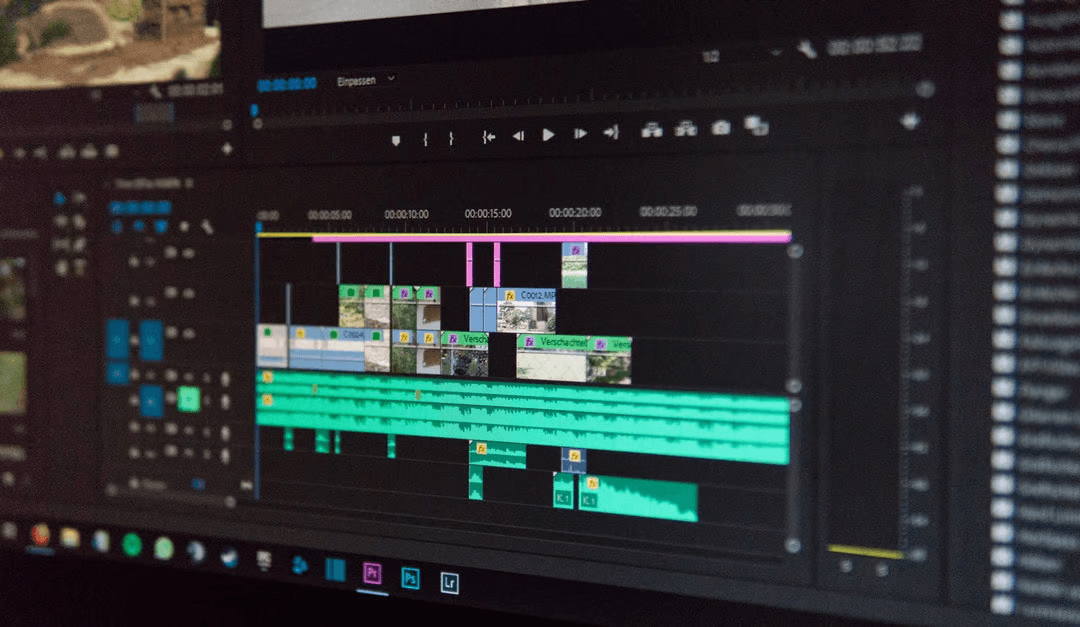
Mastering video editing takes time and practice, but with these six hacks, you can significantly improve the quality of your content. From choosing the right software to refining transitions, optimizing audio, and color grading, these techniques will help you create professional-looking videos that captivate your audience.
By focusing on these key aspects, your videos will not only look polished but also convey your message more effectively, whether for personal projects, marketing campaigns, or professional productions.


